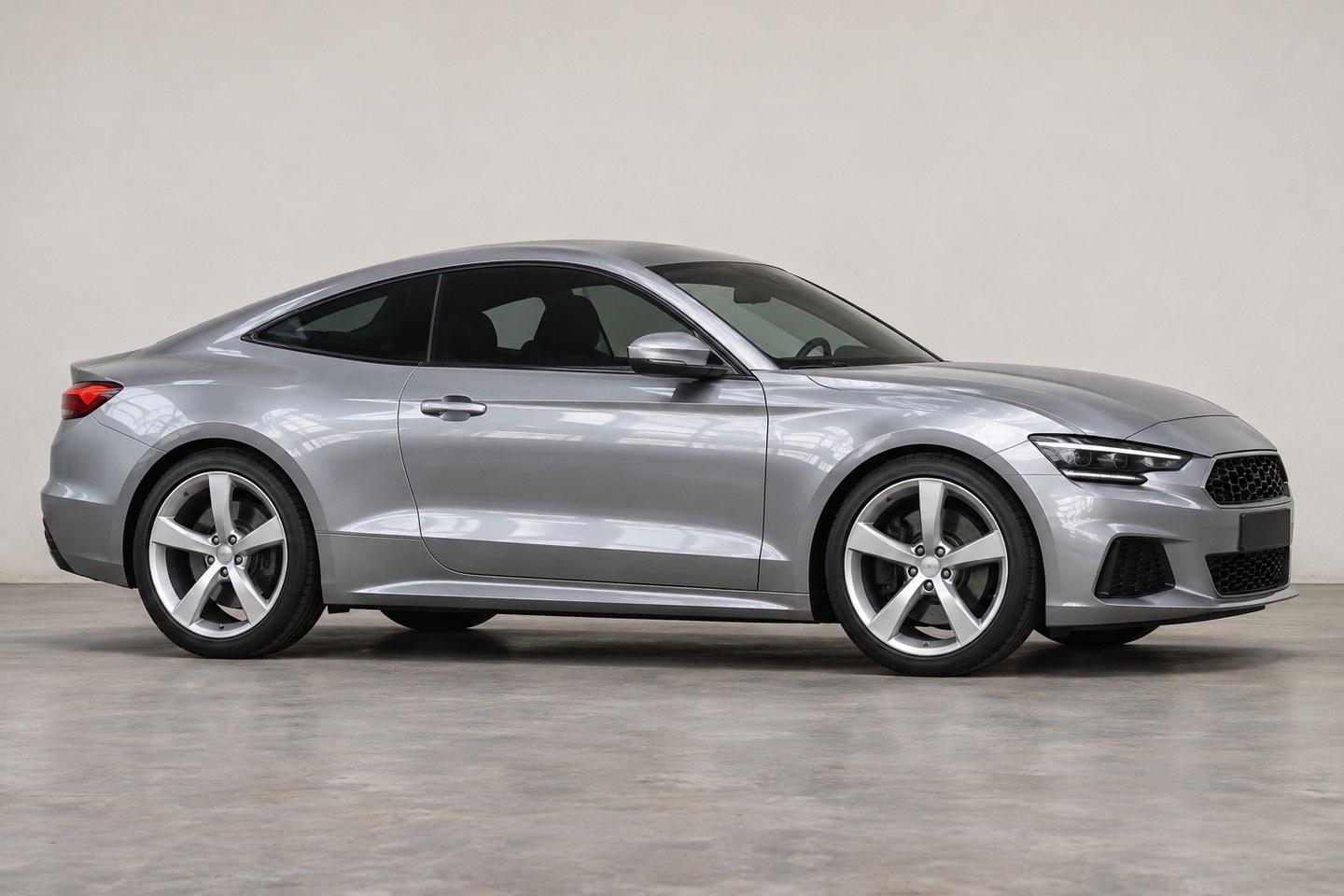
Establish a reference
Choose a complete car photo on fairly level ground. Strong upward or downward camera angles can distort height impressions.
Keep the original as a reference. Compare the wheel arch gaps, then the relationship between body and ground.
Change a little at a time
Explore small changes in apparent height and return to the full car view to judge front and rear balance.
When combining this with wheel previews, keep one choice fixed while adjusting the other so each difference stays clear.
Keep mechanics separate
The preview does not adjust real suspension or calculate travel, tire interference, or safe installation.
Image movement cannot be converted directly into millimeters of lowering. A professional must assess the actual vehicle and proposed setup.
How to get started
Choose a reference
Import a photo with a clear view of car and ground.
Compare the stance
Make small visual changes and check the whole car.
Save the idea
Keep a preferred image as a reference for discussing style.
Before you make it yours.
Can it tell me how far to lower?
No. Photo movement has no physical scale calibration and cannot specify suspension adjustments.
Can it confirm a setup is safe?
No. It does not assess suspension, tire clearance, load, or road clearance. Seek a professional assessment.
Is CarRim free to use?
Free to download and use. The free service is supported by ads, and some exports may require watching a rewarded ad; ad removal is an optional purchase. Check the App Store for version 3.0 download availability.